
MARKETPLACE
Explore the apps behind the work.
See the real RetailOS and Clidey ERP apps. RetailOS packages have hosted install previews; ERP modules are private previews with demo data shown separately.
Published packages
Six stable RetailOS modules from Clidey Marketplace. Sample data is not included in these releases.
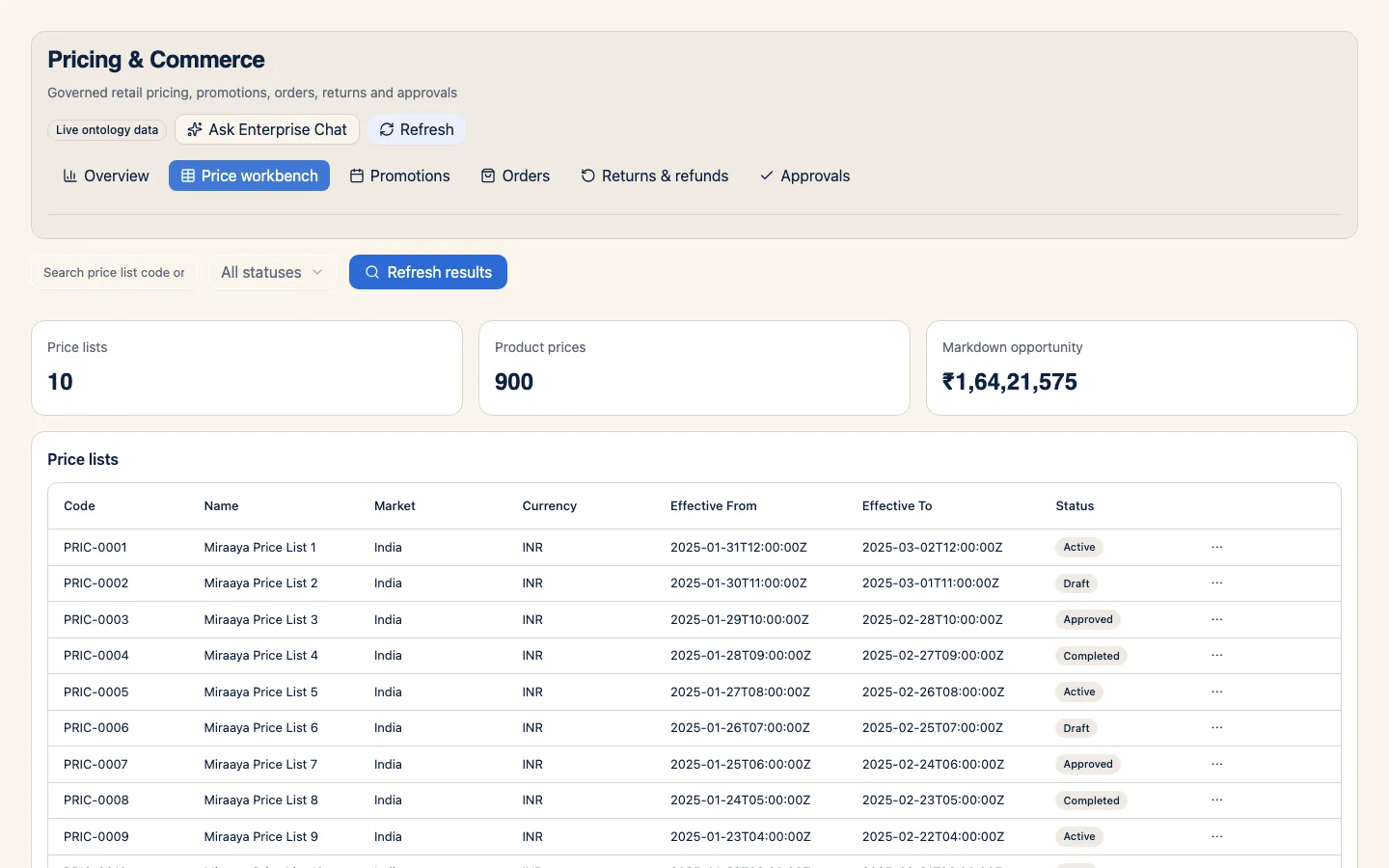
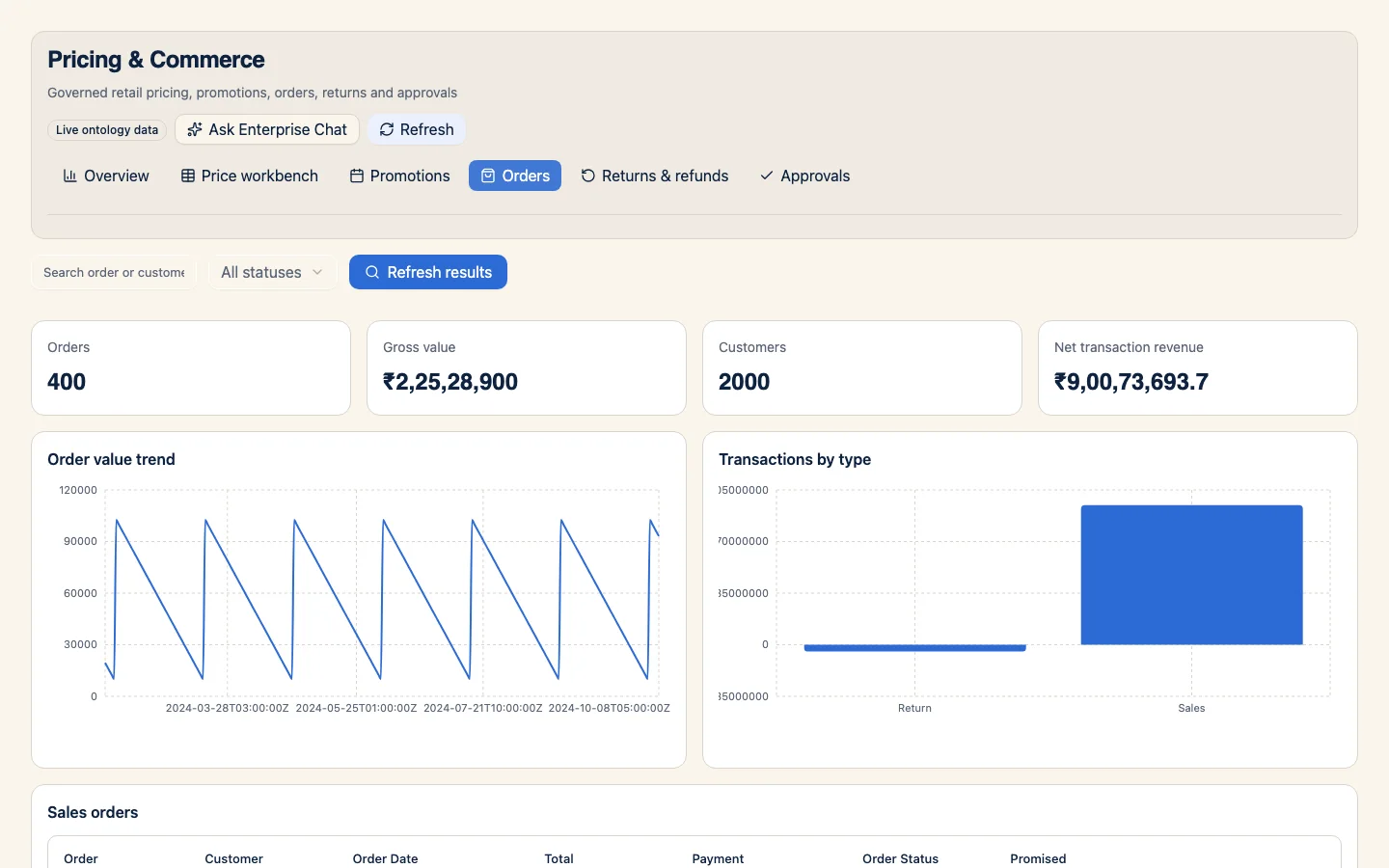
RetailOS Commerce and Customer
Bring customer and transaction workflows into one retail operating model.
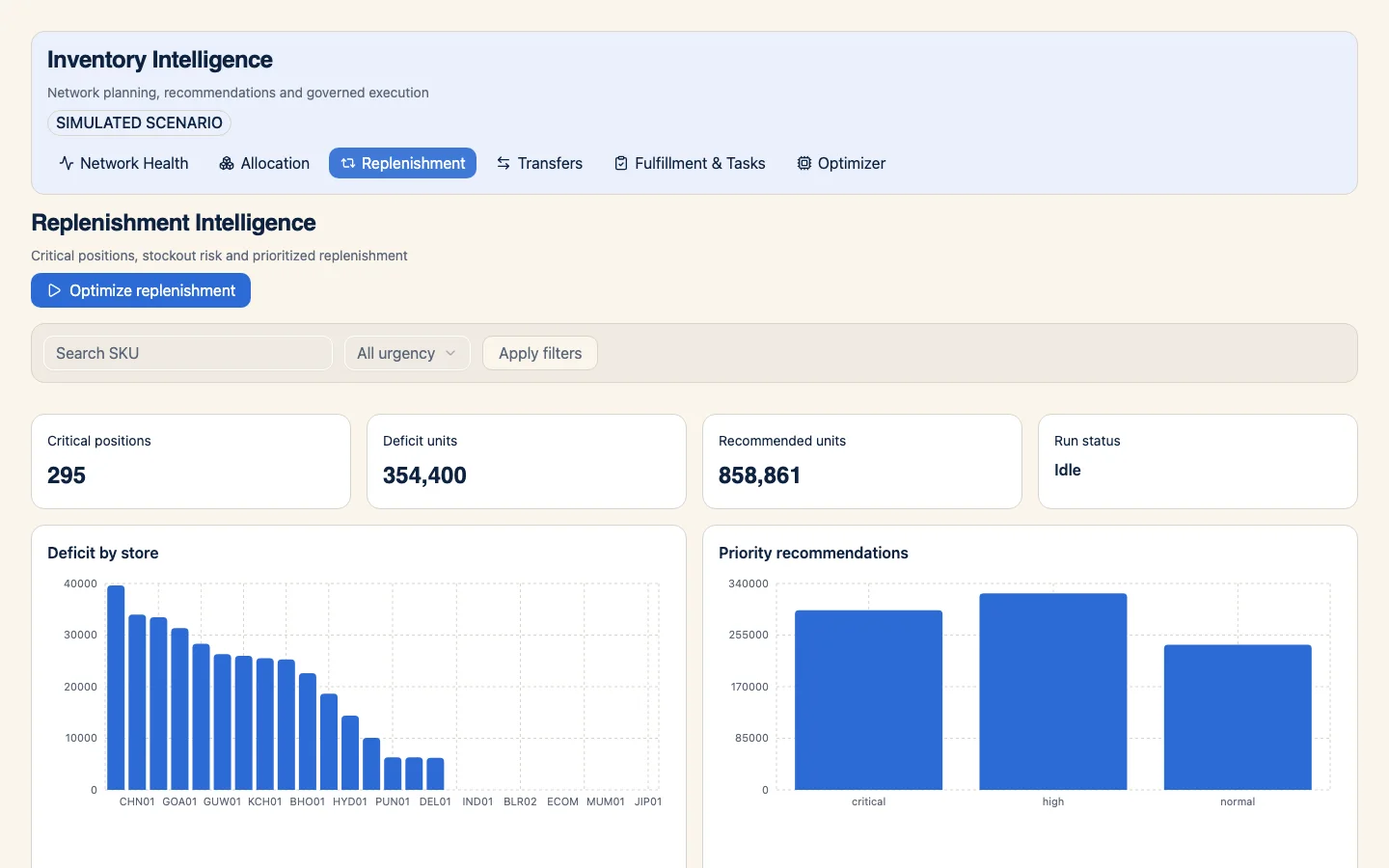
RetailOS Inventory Optimization
Work with stock decisions across locations using a shared inventory model.
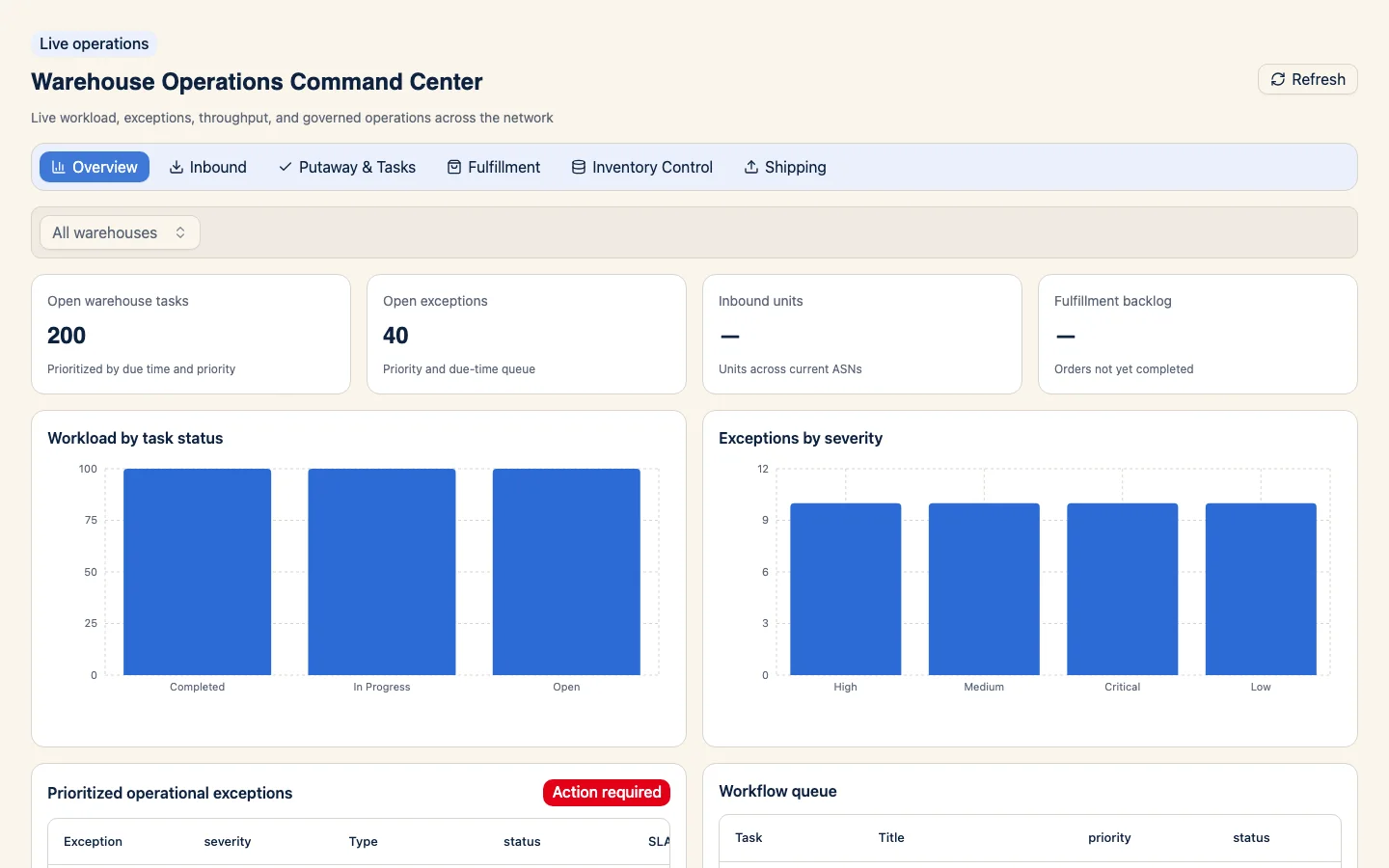
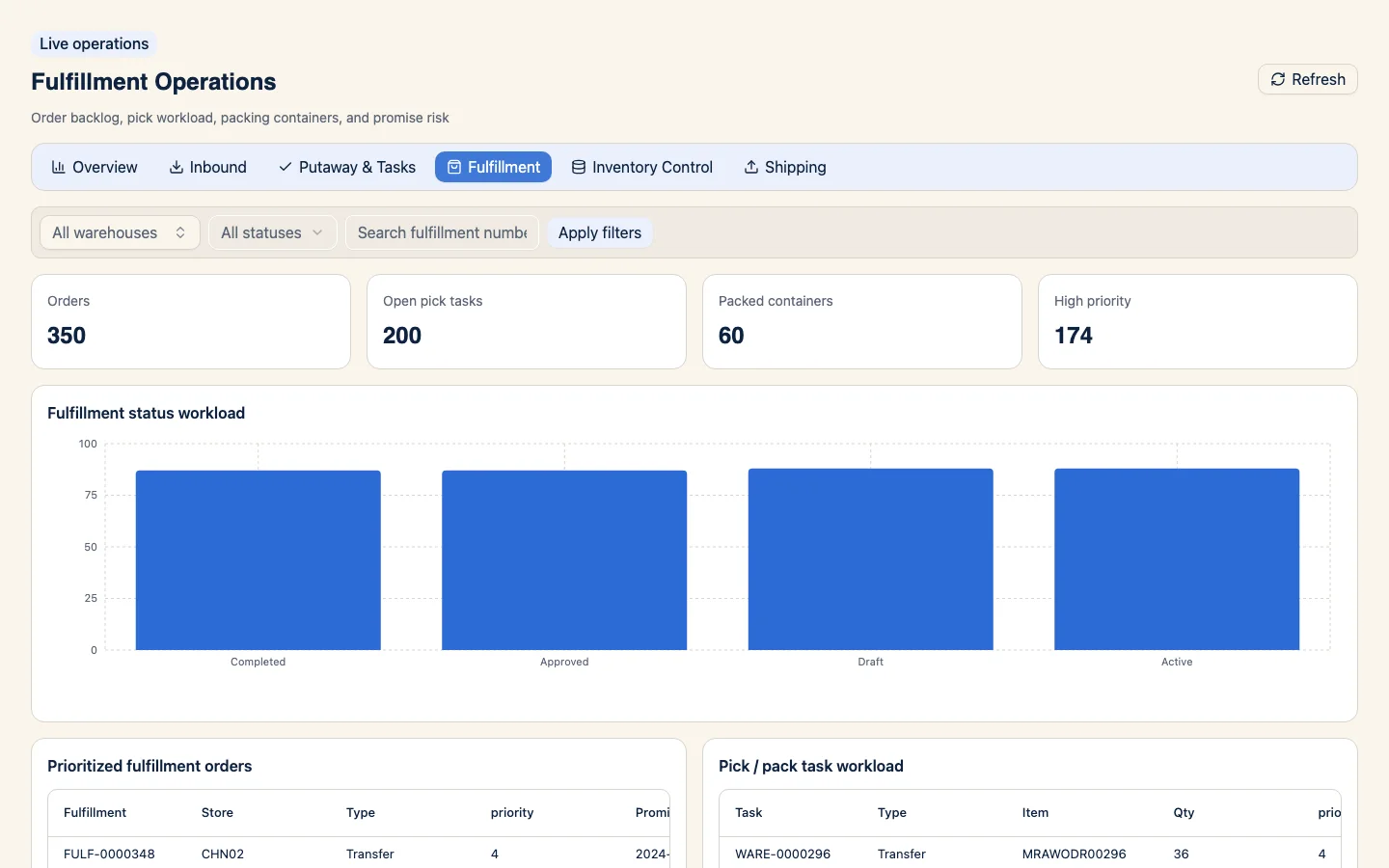
RetailOS Fulfillment Operations
Coordinate the work that moves inventory from arrival to delivery.
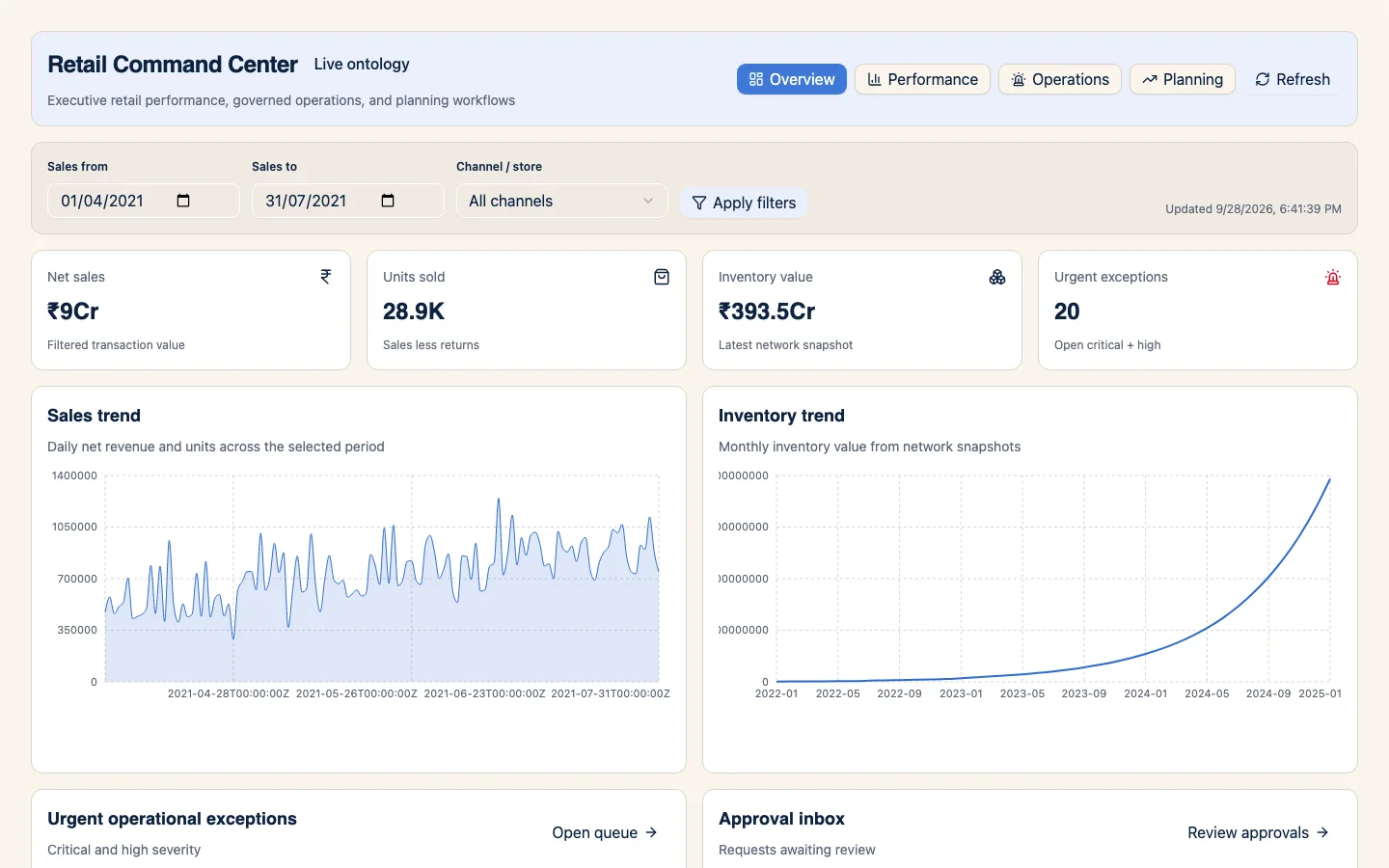
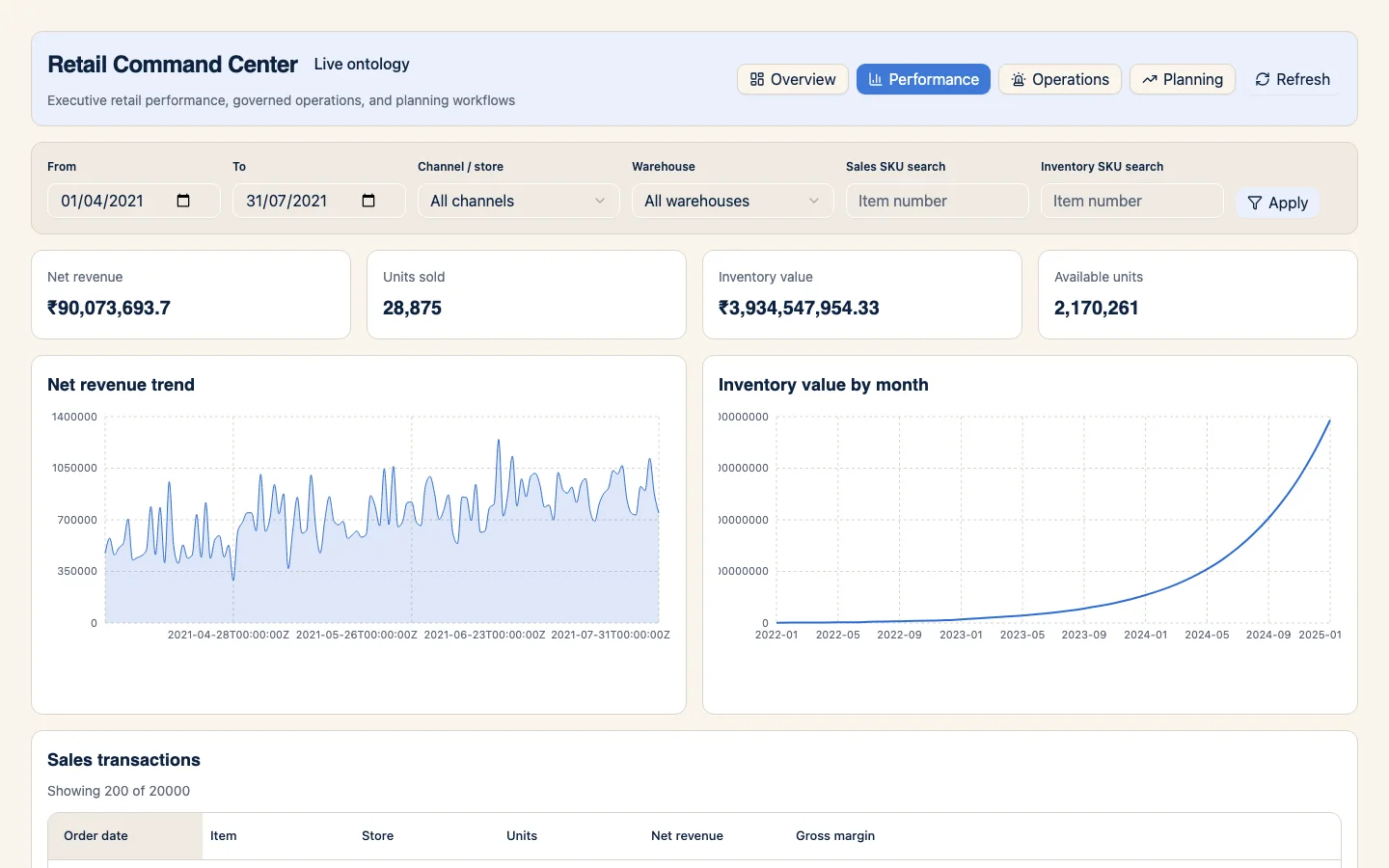
RetailOS Executive Control Plane
Bring approvals and operating exceptions into an executive view across retail domains.
RetailOS Foundation
Give retail teams a common starting point for the core data and workflow concepts used across operations.
RetailOS Merchandise Planning
Connect assortment and buying decisions to the financial plan behind them.
Clidey ERP apps
Six private package previews from the Clidey ERP organization. Images show the matching ERP Demo apps with synthetic records; the preview packages do not include that data.
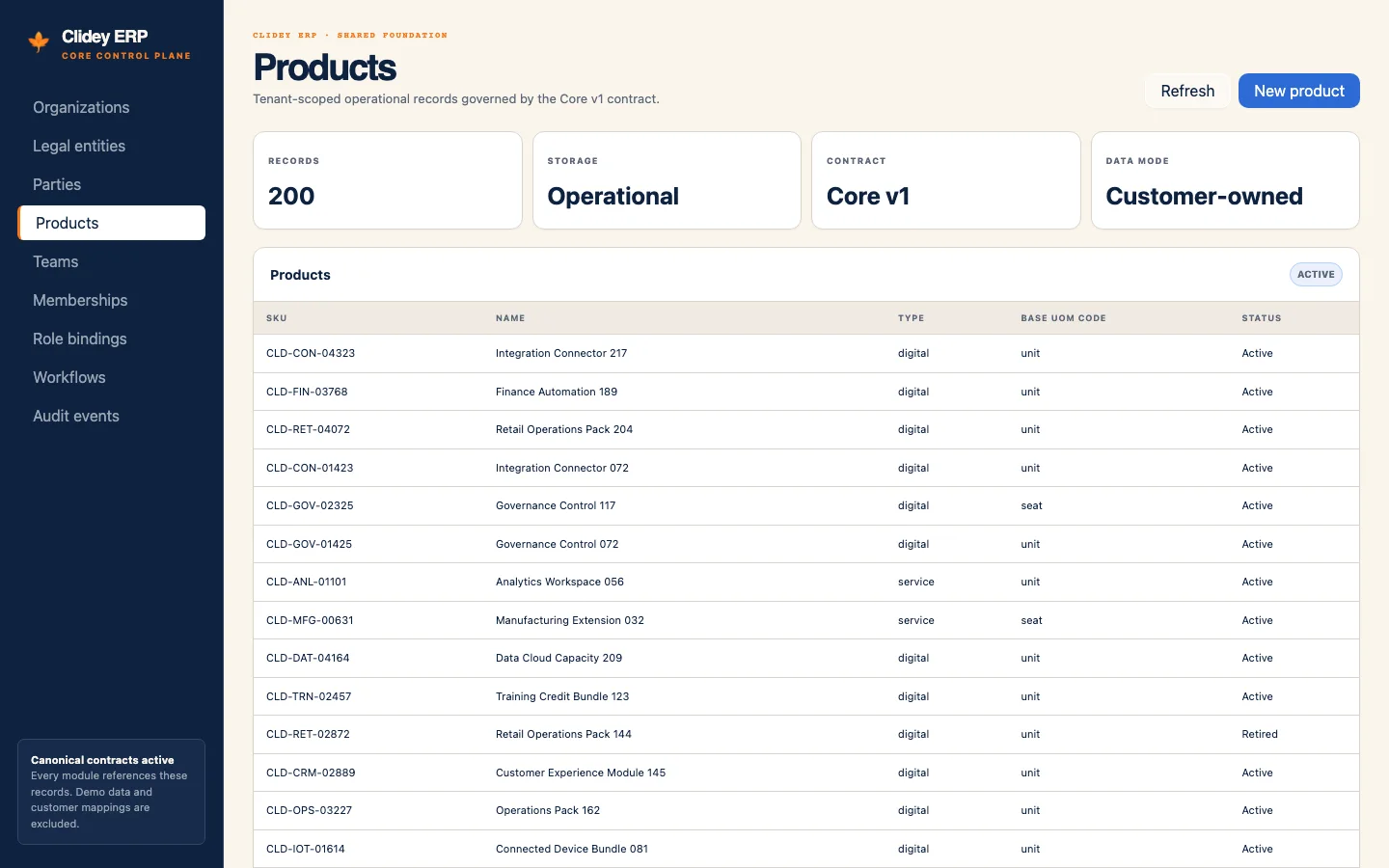
Clidey ERP Core
Organization, legal entity, party, product catalog, team authorization, workflow, and audit foundations.
Explore app preview →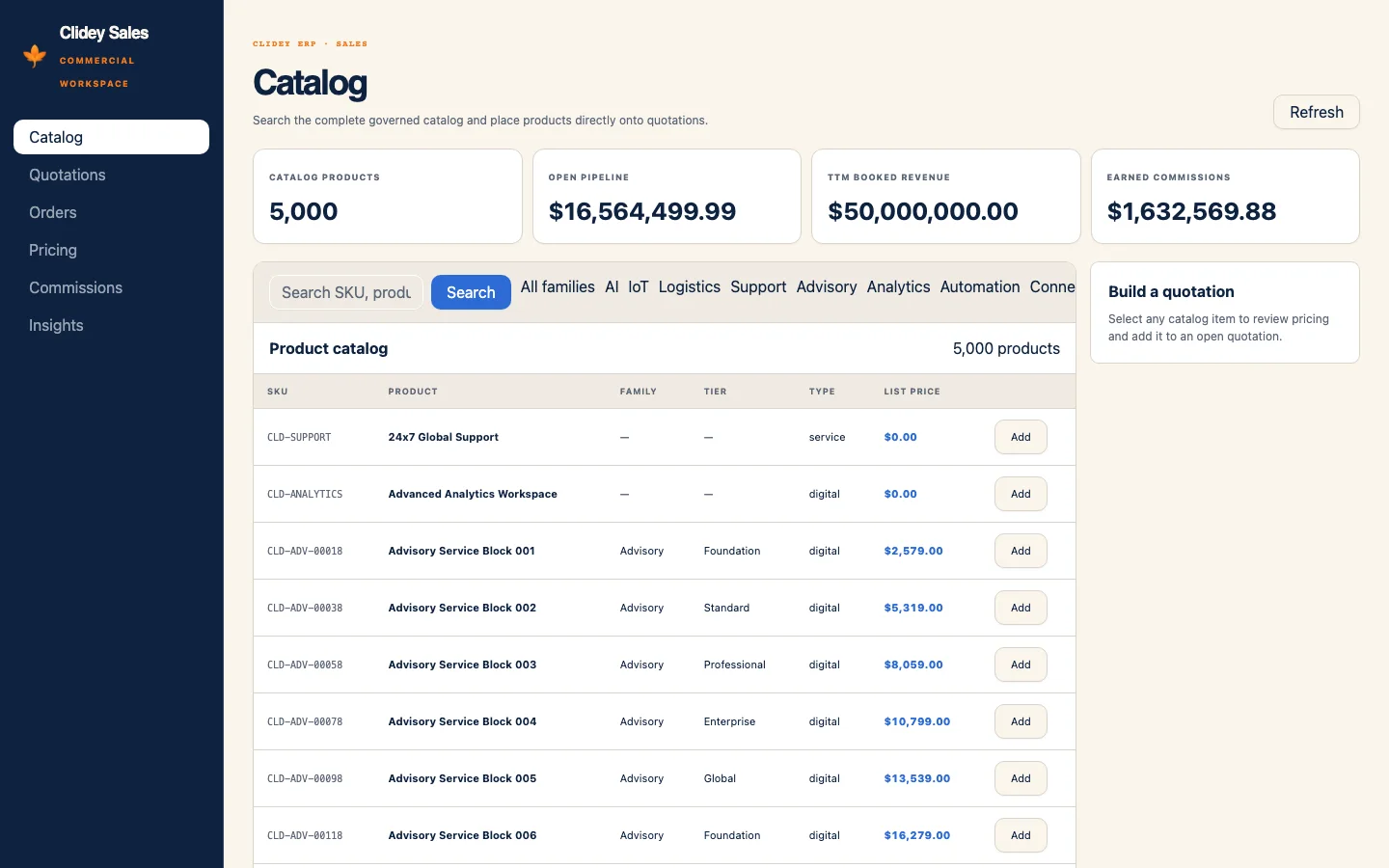
Clidey Sales
Quotations, acceptance, locked orders, delivery and invoice handoffs, commissions, and returns.
Explore app preview →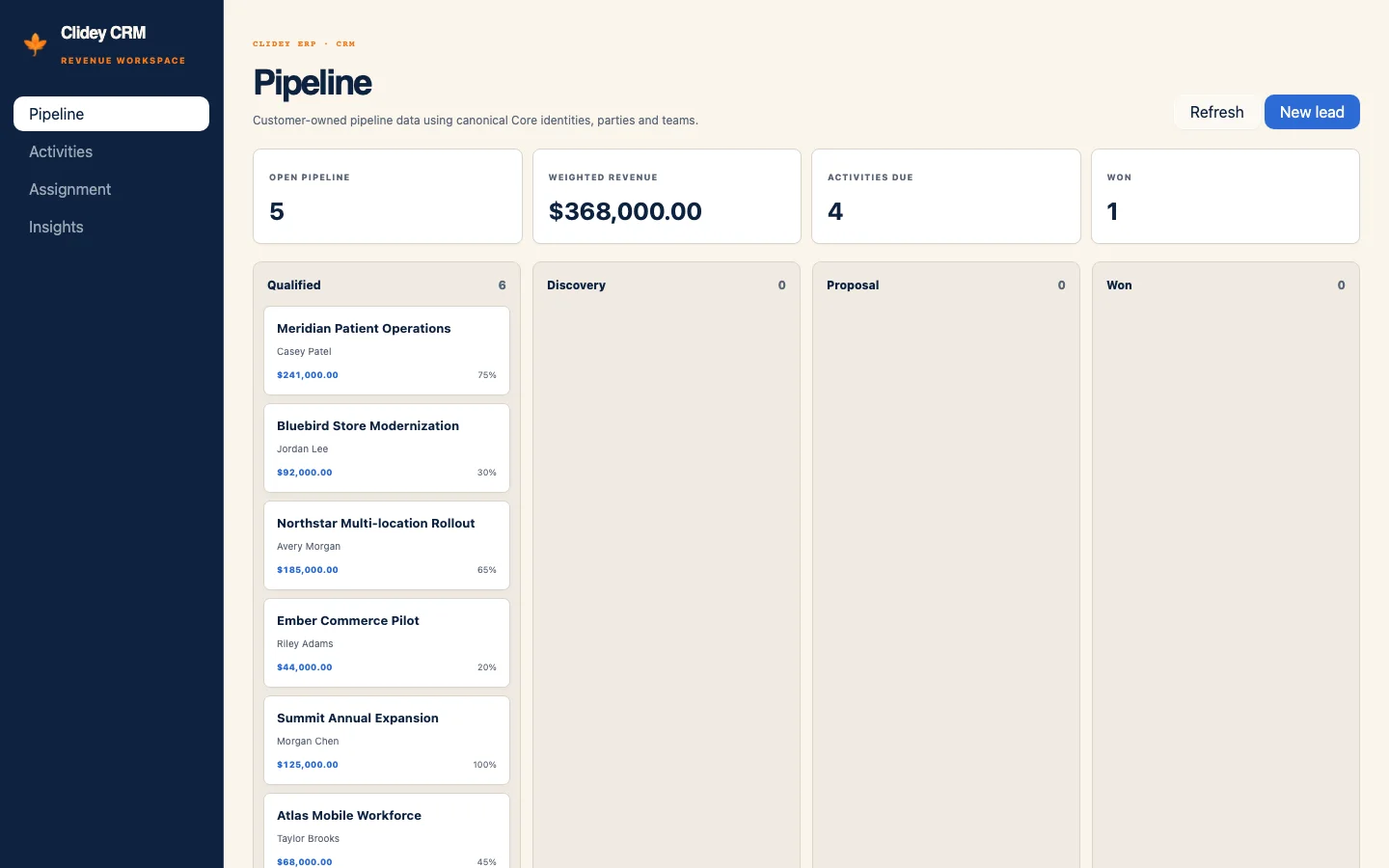
Clidey CRM
Leads, opportunities, configurable pipeline, activities, assignment, scoring, forecast, attribution, and reseller workflows.
Explore app preview →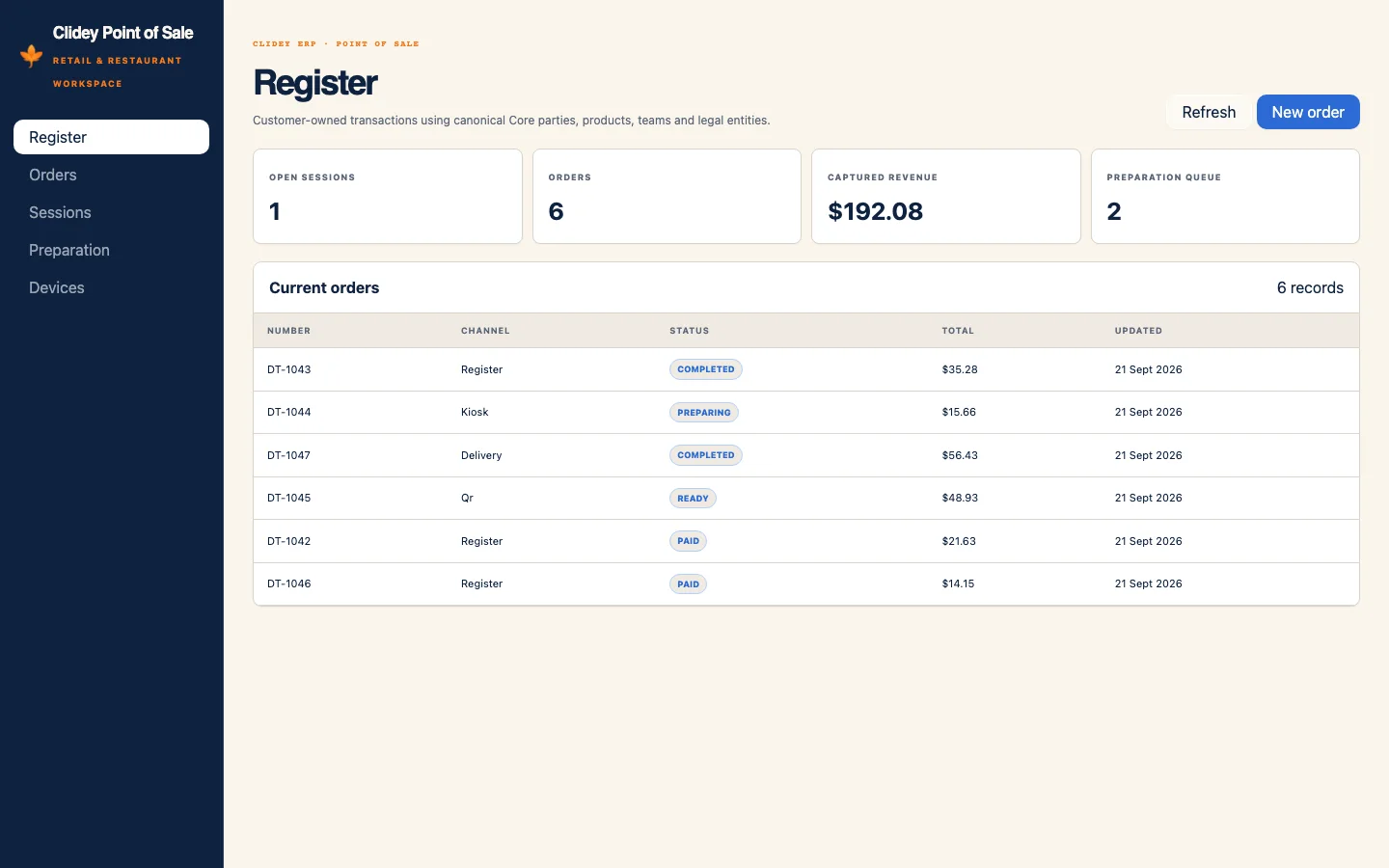
Clidey Point of Sale
Retail and restaurant registers, sessions, payments, preparation, self-ordering, offline synchronization, returns, and reporting.
Explore app preview →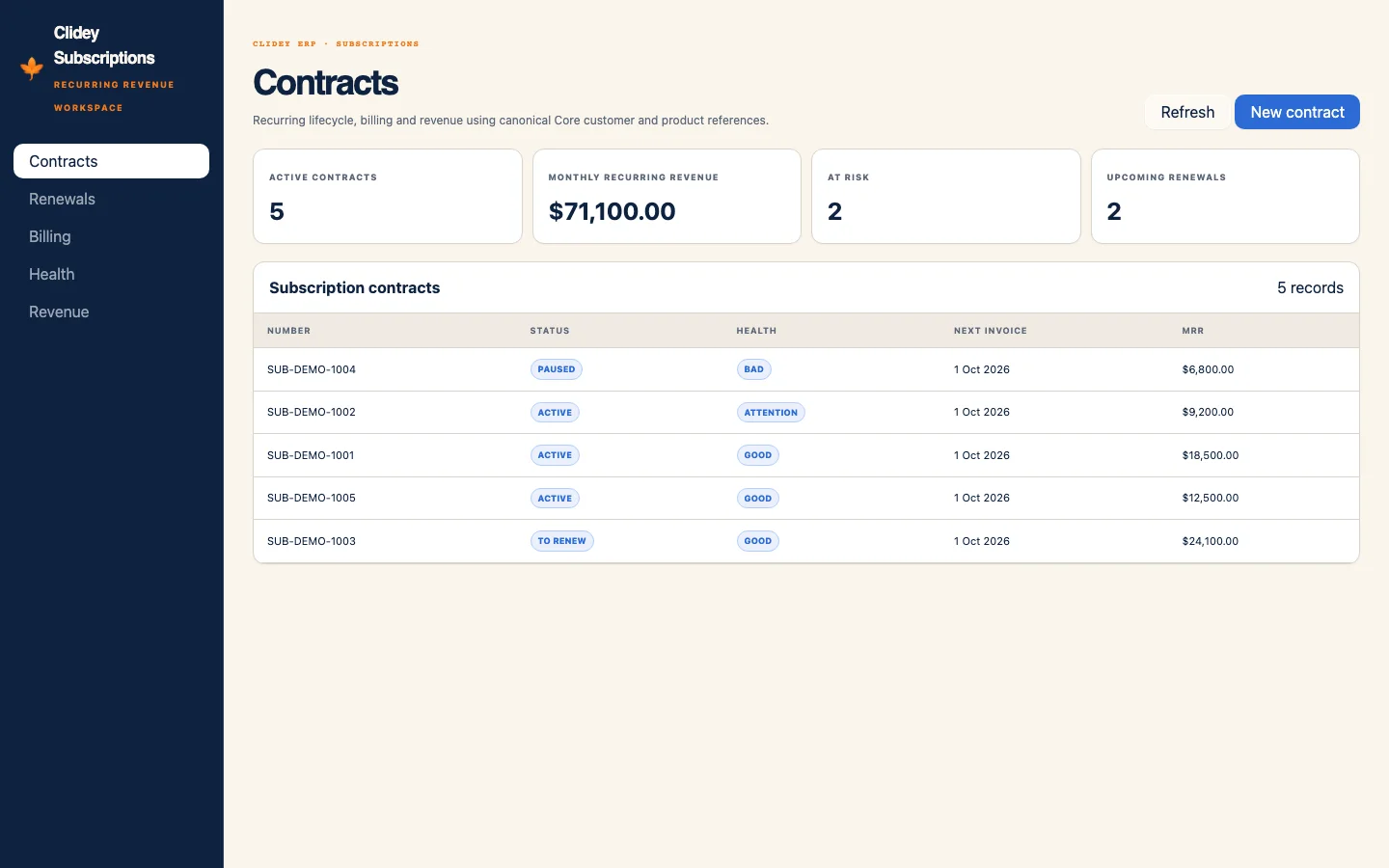
Clidey Subscriptions
Recurring plans, contracts, billing, renewals, amendments, health, churn, and revenue analytics.
Explore app preview →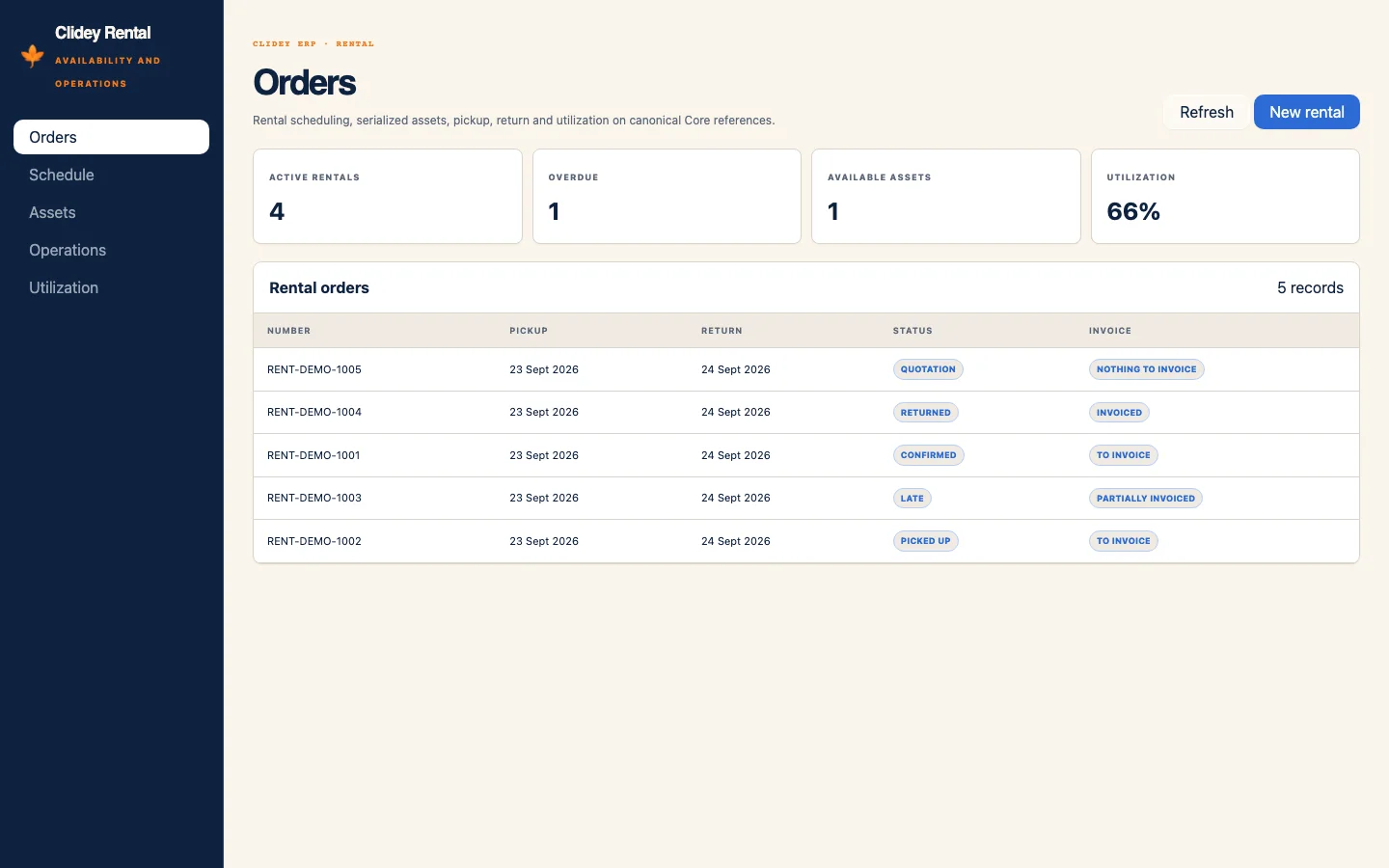
Clidey Rental
Rental availability, reservations, assets, pickup, return, inspection, fees, and utilization.
Explore app preview →How RetailOS installation works
- 1. Open the packageUse the package link to continue to app.whodb.com. Sign in or create an account if prompted.
- 2. Choose a projectSelect the WhoDB project where you want the package installed.
- 3. Review setupCheck the install preview, resolve any required bindings or conflicts, then install.