From connected data to work your team can trust.

Understand what you have, shape it into repeatable workflows, and put it to work without losing context between systems. WhoDB keeps the source, the logic, the impact, and the tools people use connected in one project.

One place for the sources your team relies on

Stop bouncing between database clients. WhoDB brings relational, document, key-value, graph, analytical, and cloud data into one project so your team can explore schemas, inspect records, and run native queries in one place.

  • Explore schemas without switching tools
  • Move from metadata to live records
  • Query each source in its native language
WhoDB source browser showing database objects and metadata

Get from question to answer faster

Ask WhoDB to inspect a source, trace a relationship, explain a workflow, or help build the next step. The agent works with context from across your project while respecting user access and asking before consequential actions.

  • Context from across your project
  • Access that follows user permissions
  • Confirmation before consequential actions
WhoDB AI data agent answering a question using permitted project data

Build pipelines your whole team can understand

Turn scattered transformation logic into a visual workflow. Combine sources, datasets, formulas, joins, scripts, and AI steps, then preview the result, inspect every run, and schedule recurring work.

  • Make complex transformations visible
  • Preview changes before running them
  • Follow live and historical runs
WhoDB visual data pipeline builder with connected transform nodes

See the impact before you make the change

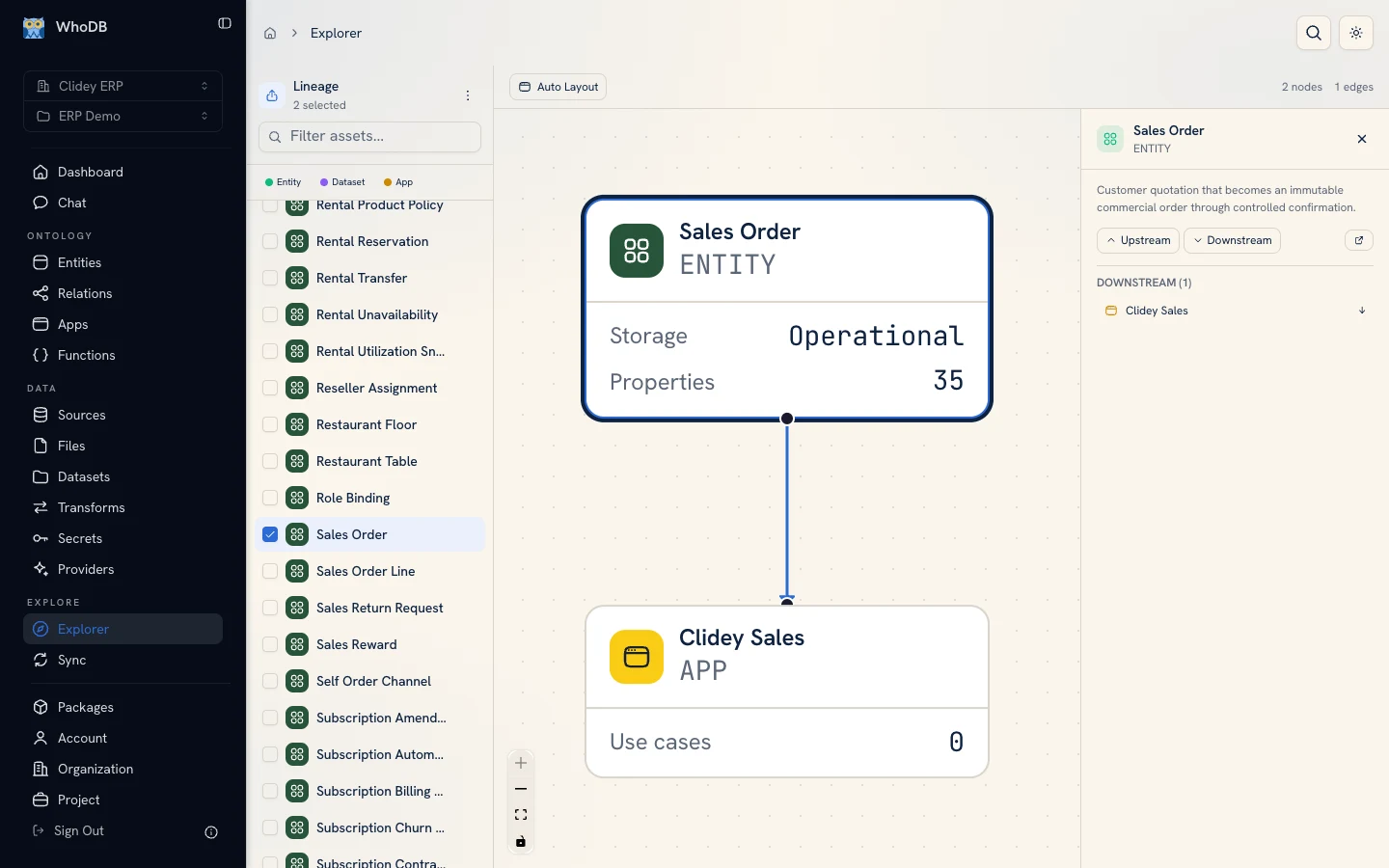
Trace what feeds a dataset and what depends on it before changing something critical. Move from a focused neighborhood to the full project graph to understand the path from source to transform, model, app, or function.

  • Follow dependencies in both directions
  • Zoom from one resource to the full project
  • Bring in lineage through OpenLineage
WhoDB data lineage graph showing connected data, transformations, models, and apps

Give technical data a business language

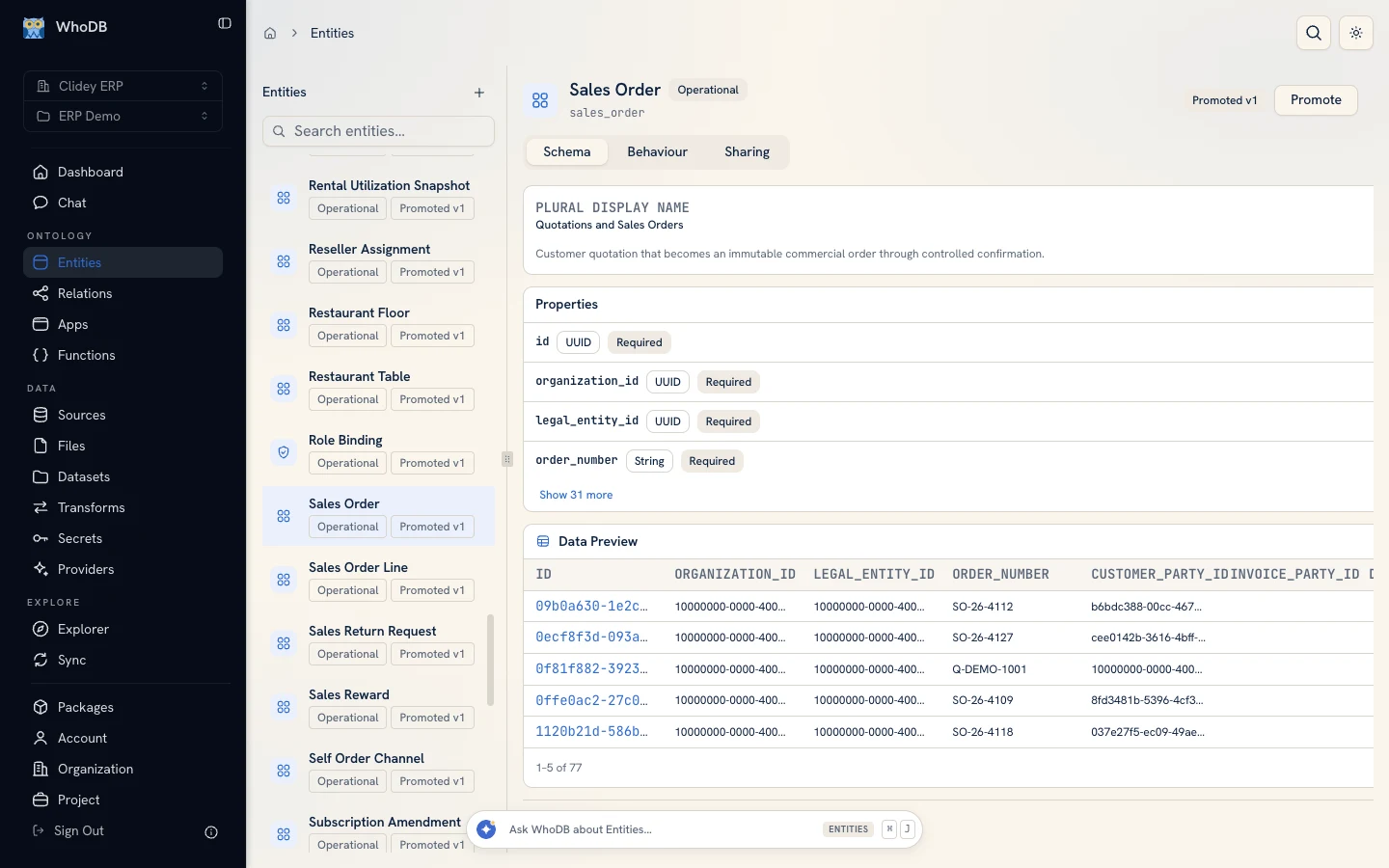
Turn tables and columns into entities, properties, and relationships people recognize. Query records through that shared model, follow connected concepts, calculate aggregates, and create fast indexed lookups for operational use.

  • Model the language your business uses
  • Query relationships and aggregates
  • Create similarity and fast lookup workflows
WhoDB business model graph showing entities and their relationships

Turn trusted project data into tools people can use

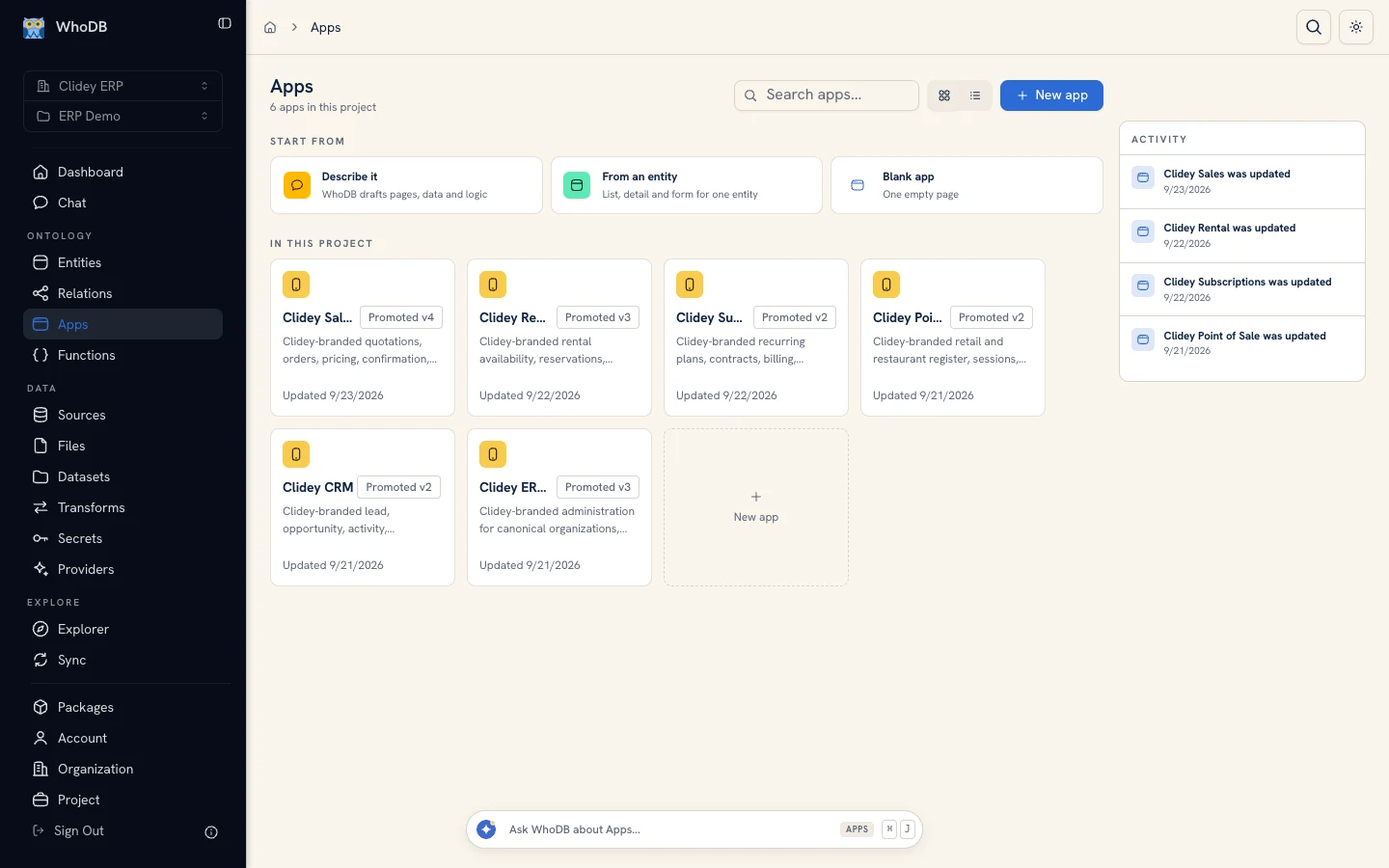
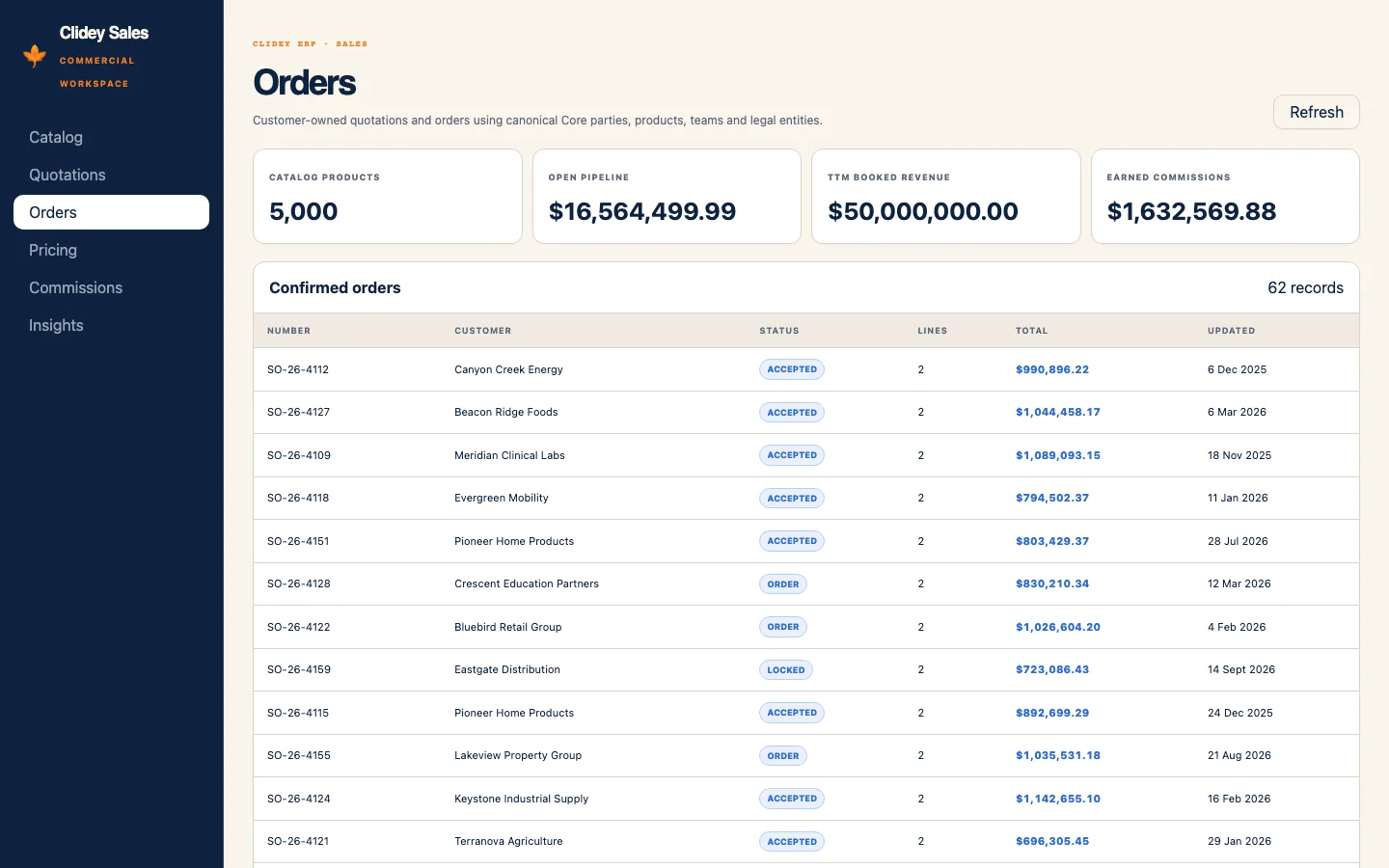
Build internal apps on project data, then add reusable functions for validation, automation, and AI-backed behavior. Preview the experience, test inputs, version your work, and inspect execution history before putting it in someone else's hands.

  • Build and preview internal data apps
  • Version app files and drafts
  • Test functions in isolated runs
A data application running inside the WhoDB app workspace

Questions about WhoDB features

What can WhoDB do beyond database browsing?

WhoDB helps teams move from understanding data to putting it to work. Alongside source exploration, you can build datasets and visual transforms, trace lineage, model business concepts, create apps and functions, collaborate, promote versions, and work with an AI data agent.

Can WhoDB work with existing databases without moving the data?

Yes. Connect supported databases in place, explore their structure and records, and run queries without first copying the data into WhoDB. Managed Private deployment is available for teams that need WhoDB inside their own cloud environment.

Does the AI agent have unrestricted access?

No. The agent works within each person's project permissions, checks access before using a resource, and can ask for explicit confirmation before a consequential action.

Run WhoDB where it works for your team.

WhoDB Cloud

A fully managed cloud service hosted by our team—get up and running in minutes.

Managed Private

Deployed inside your private cloud environment, backed by our team for security and maintenance support.

Have custom network or compliance requirements? We'll work directly with your security team on the deployment.