
Bring the sources your team relies on into one place.

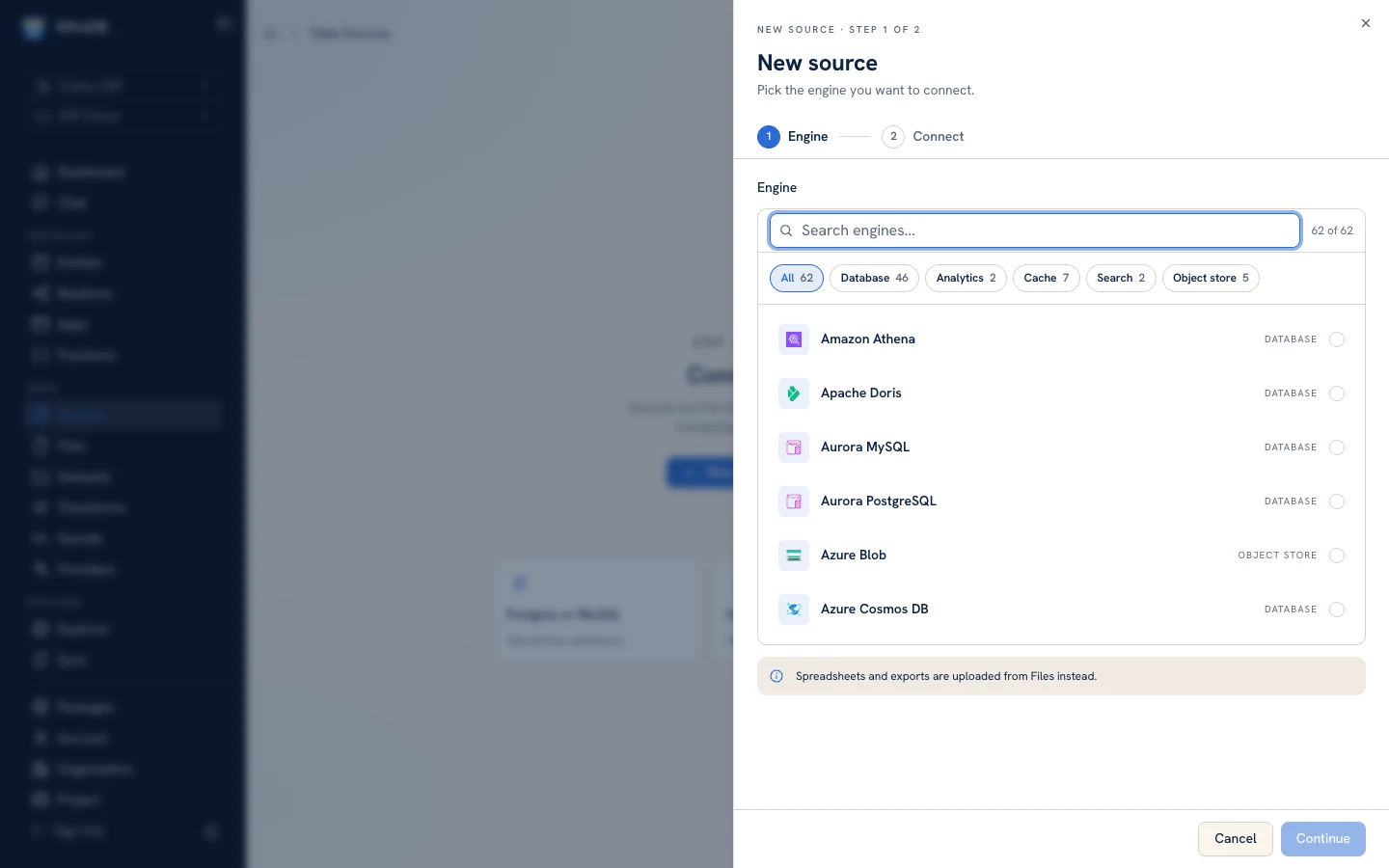
Bring databases, warehouses, graph stores, and cloud services into one clear workspace. Explore, query, and act without bouncing between a different specialist tool for every system.

Go deeper on the sources teams ask about most

See how WhoDB helps your team explore each system, answer questions faster, and turn database work into pipelines, lineage, models, and useful tools.

Each guide shows what your team can accomplish today, with important limitations stated clearly and in plain language.

PostgreSQL

Explore PostgreSQL databases, schemas, tables, and views, run and analyze SQL, work with records, and keep the result connected to the pipelines, lineage, models, and tools your team builds next.

Explore PostgreSQL

MySQL

Browse databases, tables, and views, run native SQL, work with records, and move beyond isolated query tabs into transformations, lineage, semantic models, apps, and functions.

Explore MySQL

MongoDB

Explore databases, collections, views, indexes, and sampled document shapes; work safely with records; and connect MongoDB to the transformations, lineage, and tools around it.

Explore MongoDB

Snowflake

Explore schemas, tables, and views, run Snowflake SQL, work with data, and connect warehouse logic to visual pipelines, lineage, semantic models, apps, functions, and AI-assisted operations.

Explore Snowflake

Google BigQuery

Explore datasets and tables, run BigQuery SQL, and connect warehouse results to cross-source transformations, run history, project lineage, semantic models, apps, and functions.

Explore Google BigQuery

Databricks

Explore catalogs, schemas, tables, and views, run Databricks SQL, and connect lakehouse work to cross-source transformations, project lineage, semantic models, apps, and functions.

Explore Databricks

Redis

Browse logical databases and keys, inspect and edit values, and keep Redis work connected to the project, people, and downstream tools that rely on it.

Explore Redis

Microsoft SQL Server

Explore databases, schemas, tables, and views, run SQL, work with records, and turn recurring SQL Server tasks into visible workflows, lineage, models, and tools.

Explore Microsoft SQL Server

ClickHouse

Explore databases and tables, run ClickHouse SQL, work with data, and connect analytical results to transformations, lineage, models, apps, and functions.

Explore ClickHouse

SQLite

Browse tables, inspect metadata and relationships, run SQL, edit records, and turn useful work from a local SQLite database into shared workflows and tools.

Explore SQLite

DuckDB

Explore schemas, tables, and views, run DuckDB SQL, work with records, and connect local analytical work to repeatable transformations, lineage, models, and tools.

Explore DuckDB

Elasticsearch

Browse indexes, inspect sampled fields, review documents in grid or JSON form, and make focused changes while keeping Elasticsearch beside the systems that depend on it.

Explore Elasticsearch

MariaDB

Browse databases, tables, and views, run MariaDB SQL, work with records, and connect recurring database work to transformations, lineage, models, apps, and functions.

Explore MariaDB

Oracle

Explore schemas, tables, and views, run Oracle SQL, work with records, and connect enterprise database logic to visible workflows, lineage, models, and tools.

Explore Oracle

Amazon DynamoDB

Browse tables, inspect metadata, review items in grid or JSON form, and make focused changes while keeping DynamoDB beside the systems and workflows that depend on it.

Explore Amazon DynamoDB

Apache Cassandra

Browse keyspaces and tables, run Cassandra queries, inspect and change records, and connect distributed data work to shared workflows, lineage, models, and tools.

Explore Apache Cassandra

Neo4j

Connect Neo4j, explore graph data, run queries, and keep relationship-driven answers beside the workflows, models, and tools they inform.

Explore Neo4j

Amazon Athena

Browse databases, tables, and views, run Athena queries, and keep serverless analysis connected to shared workflows, lineage, models, apps, and functions.

Explore Amazon Athena

Relational and operational databases

Warehouses and analytical engines

NoSQL, cache, and graph

Cloud and business systems

  • Amazon RDS discovery
  • Google Cloud SQL discovery
  • Azure database discovery
  • Microsoft Dynamics NAV
  • TallyPrime
  • JDBC-compatible sources

Bring your data stack together without flattening what makes each system useful.

Your team gets a familiar way to work across systems without losing the features they chose each database for. WhoDB only shows actions that the connected source genuinely supports, so people can move faster without guessing what will work.

Already managing data across AWS, Google Cloud, or Azure? Find supported services faster, then bring more of your enterprise systems into the same working environment.

Database integration questions

Which databases does WhoDB support?

WhoDB supports major relational databases, warehouses, analytical engines, document stores, key-value systems, graph databases, cloud services, and many enterprise systems. Available tools vary by the system you connect.

Can WhoDB discover databases in my cloud account?

Yes. Connect AWS, Google Cloud, or Azure to find supported services faster and bring them into your team's WhoDB project.

Does WhoDB work the same way with every data system?

No. WhoDB gives your team the tools that make sense for each system—from SQL and query plans to document editing and key-value operations—so people can work confidently without guessing what is available.