Logistics & supply chain · example workflow
Plan shared equipment across orders and schedules
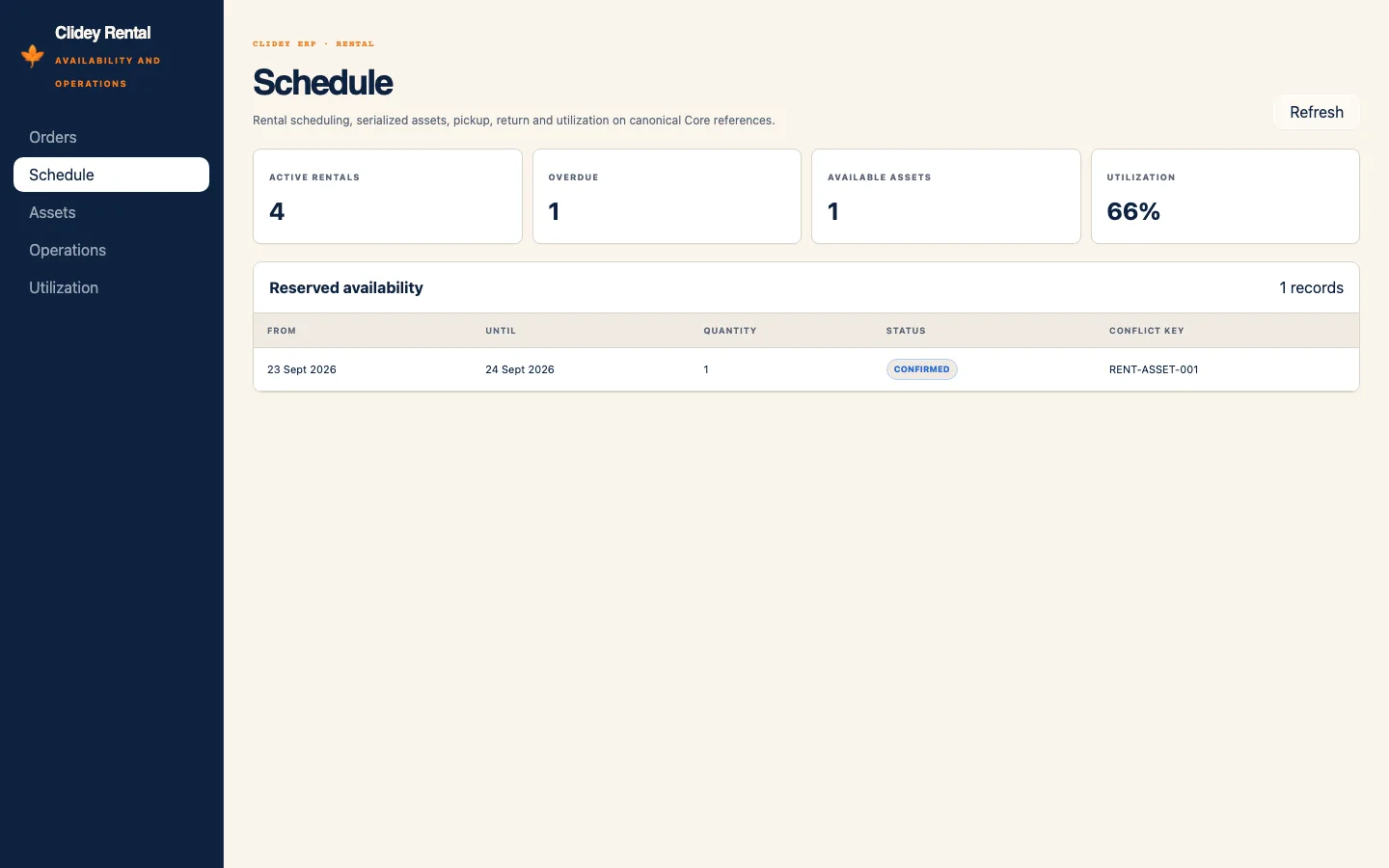
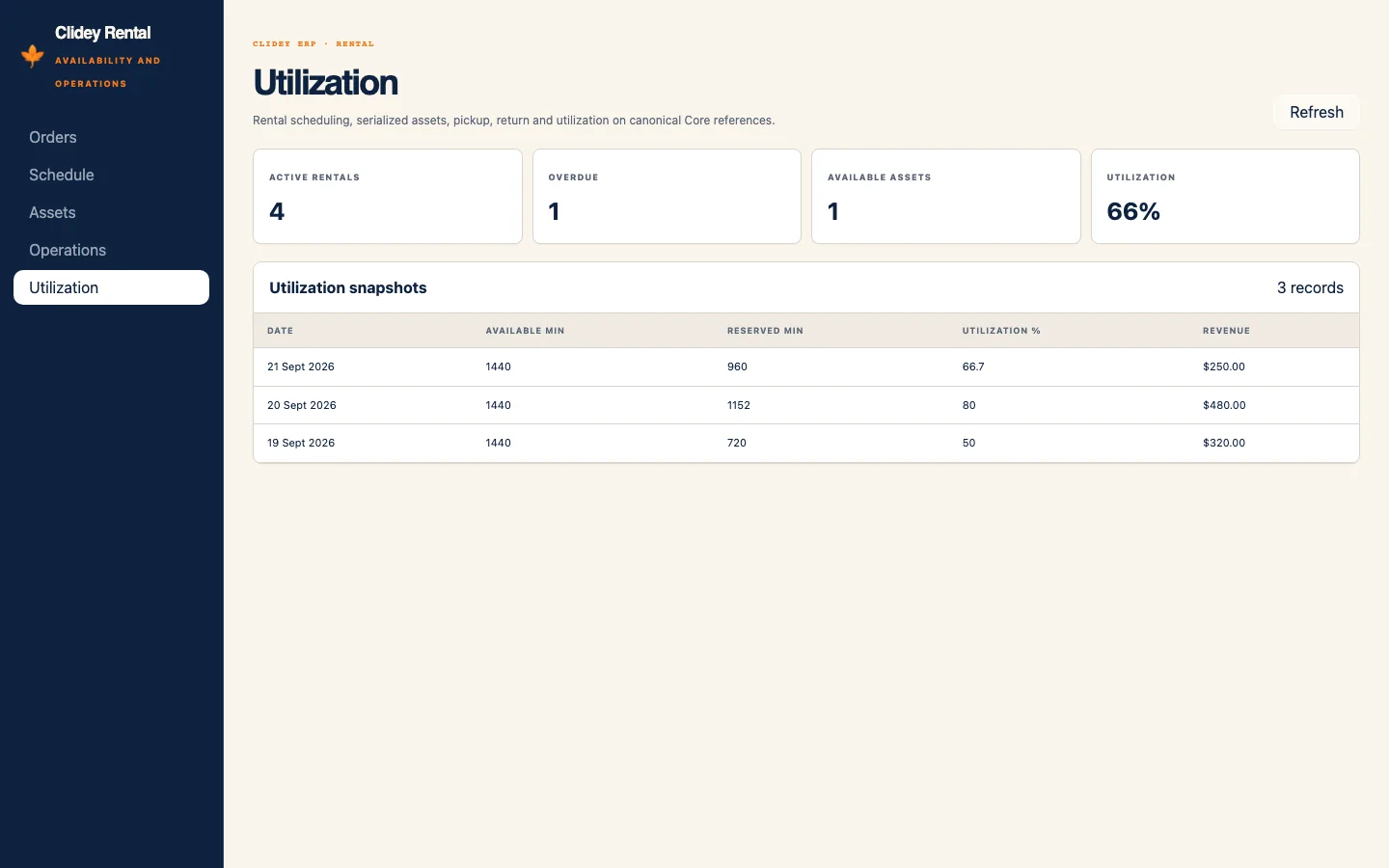
See rental orders, upcoming schedules, and utilization in the rendered Clidey ERP Rental app.
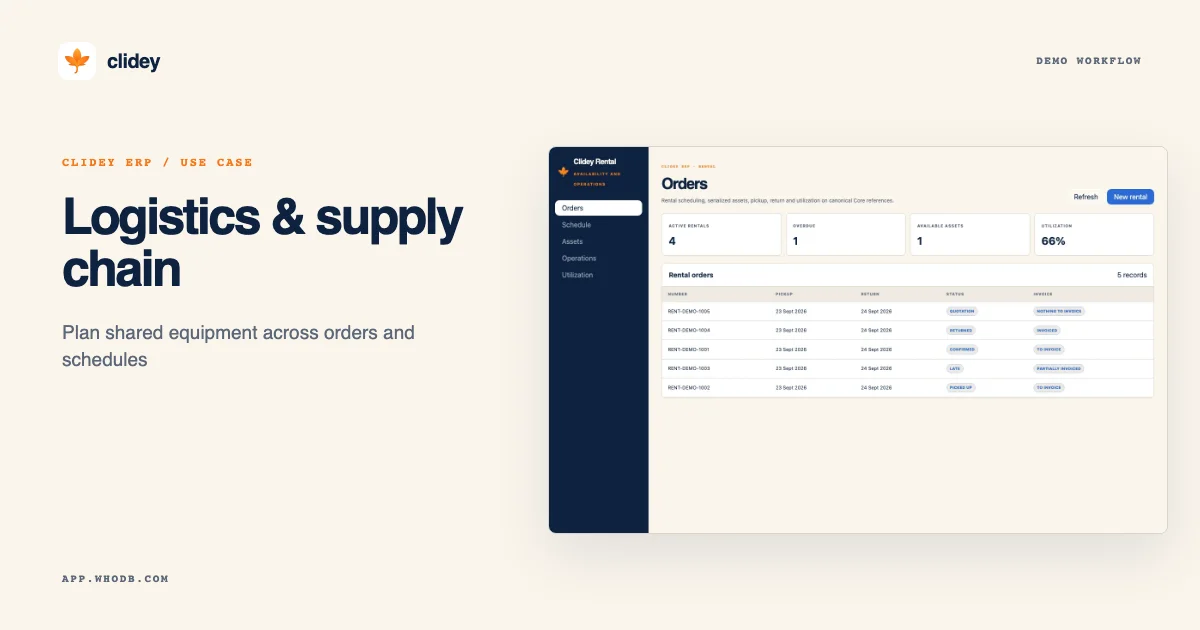
Rental orders with synthetic equipment records. Captured from a rendered Clidey ERP demo app with synthetic records. This demo data is not included in the published packages.
The challenge
Asset-based logistics teams need to align booked equipment with dates and capacity.
Explore this workflow
- 01
Inspect rental orders
- 02
Review the schedule
- 03
Check equipment utilization
What your team gets
A sample asset scheduling workflow; shipment tracking is not part of this demo. WhoDB supplies the connected source, modeling, workflow, lineage, and access tools to build it around your systems.
APP DEMO
See the app workflow
These are rendered Clidey ERP apps populated with synthetic demonstration records. They illustrate the example workflow; the current private ERP package releases do not include this demo dataset.